
CS Mobile Command Post
Cheep Scripts Development
•January 1, 2026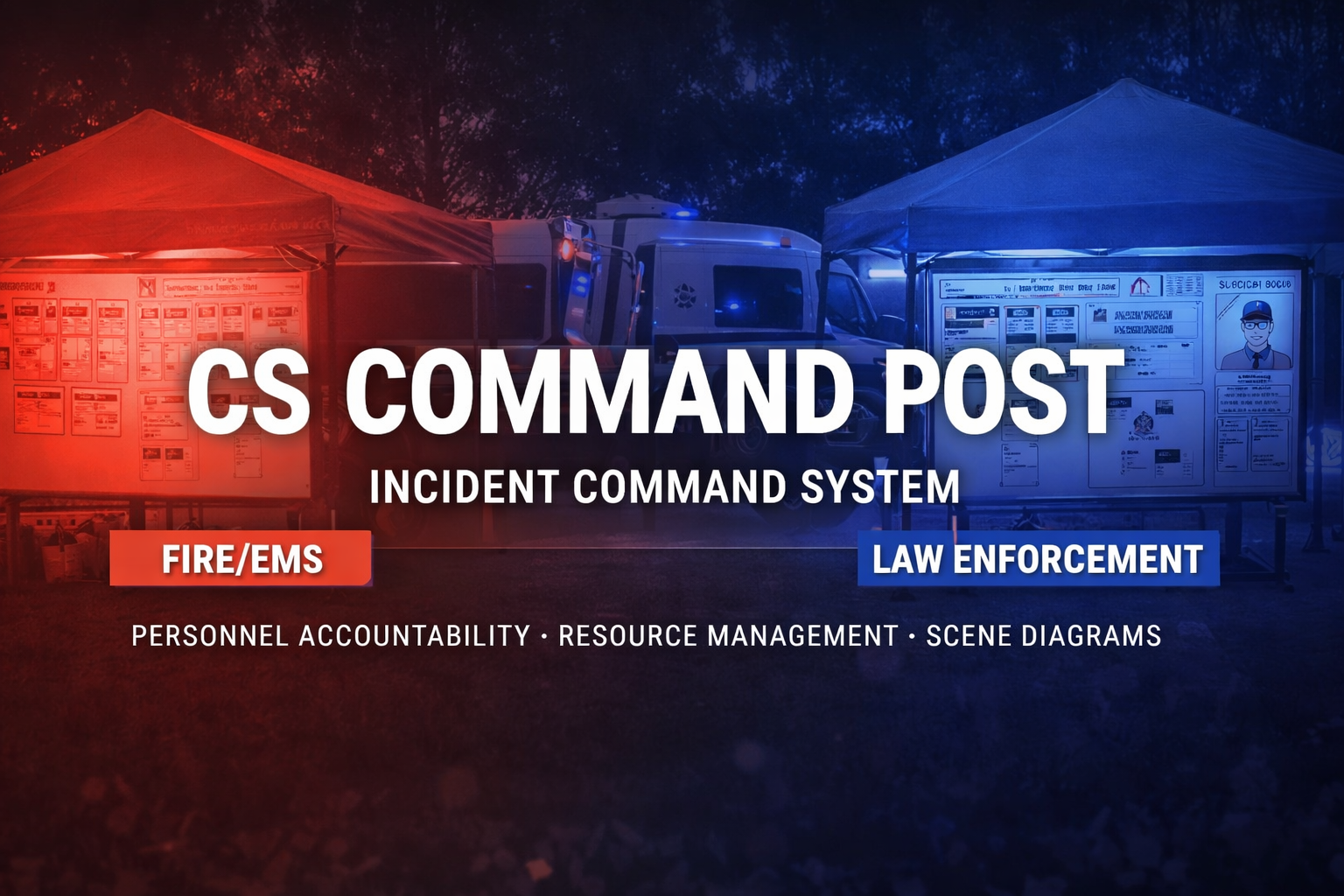
Description
CS Command Post
A realistic Incident Command System (ICS) whiteboard for FiveM. Place physical command post props in the world and manage incidents with an interactive ICS board featuring organizational charts, personnel tracking, resource management, and scene diagrams. Supports both Fire/EMS and Law Enforcement command post variants.
Dependencies
Features
Core Features
- Physical Command Post - Placeable prop with interaction zone
- ICS Organizational Chart - Assign Incident Commander, Safety, PIO, Liaison, and Section Chiefs
- Personnel Accountability - Drag-and-drop T-card system
- Resource Tracking - Monitor units and their status
- Tactical/Incident Log - Timestamped log with author tracking
- Scene Diagram - Built-in drawing board for sketching scene layouts
- Incident History - View and manage past command posts
- Notes Section - Freeform notes for additional information
- Permission System - ACE permissions and/or Qbox job-based access
Fire/EMS Mode (/cp)
- Red header with fire department styling
- Division Assignments - Track divisions and supervisors
- Personnel Status - Assigned/Staging/Rehab columns
- Fire-specific incident types - Structure Fire, Vehicle Fire, MVA, Hazmat, etc.
- Resource types - Engine, Ladder, Rescue, Ambulance, Battalion Chief
Law Enforcement Mode (/cplaw)
- Blue header with police styling
- Perimeter/Sector Management - Track inner/outer perimeters with status
- Personnel Status - On Scene/Staging/Off-Duty columns
- Suspect Information - Description, location, armed status, vehicle
- Evidence Log - Track collected evidence with chain of custody
- Witness Log - Record witness names, contact info, statements
- Intel/BOLO Section - Be On Lookout information
- Law-specific incident types - Pursuit, Barricade, Hostage, Active Shooter, etc.
- Unit types - Patrol, Supervisor, K9, SWAT, Detective, Air Support
Installation
- Download and extract to
resources/[scripts]/cs_commandpost - Add
ensure cs_commandpostto yourserver.cfg(after ox_lib and oxmysql) - Configure options in
config.lua - Restart your server
Commands
| Command | Description |
|---|---|
/commandpost or /cp | Place a Fire/EMS command post in front of you |
/cplaw | Place a Law Enforcement command post in front of you |
/disassemblepost or /dismantlepost | Disassemble the nearest command post |
/cppermissions | Toggle permission system on/off (admin) |
/cpcleanup [days] [all] [dry] | Clean up old posts from database (admin) |
Cleanup Examples
/cpcleanup 30           -- Delete inactive posts older than 30 days
/cpcleanup 7 all        -- Delete ALL posts older than 7 days
/cpcleanup 14 all dry   -- Preview what would be deleted (dry run)
Configuration
-- Model Configuration
Config.CommandPostModel = 'prop_command'  -- Must match your .ytyp archetype name
Config.ModelRotation = { pitch = 90.0, roll = 0.0, yaw = 0.0 }
Config.GroundOffset = 1.3

-- Interaction
Config.InteractionDistance = 2.5
Config.InteractionKey = 38  -- E key

-- Permissions
Config.EnablePermissions = false
Config.PermissionSystem = 'ace'  -- 'ace', 'qbox', or 'both'
Config.AllowedJobs = { 'police', 'ambulance', 'fire' }

-- Visual Options
Config.ShowMarker = false
Config.ShowLabel = true
ACE Permissions
Add to your server.cfg:
# Fire Department
add_ace group.fire commandpost.place allow
add_ace group.fire commandpost.access allow
add_ace group.fire commandpost.disassemble allow

# Police
add_ace group.police commandpost.place allow
add_ace group.police commandpost.access allow

# EMS
add_ace group.ambulance commandpost.access allow
Usage
Fire/EMS Command Post
- Use
/cpto place a fire command post - Walk up to the post and press E to open the ICS board
- Fill in incident information (address, type)
- Assign personnel to the organizational chart
- Add personnel T-cards and drag them between Assigned/Staging/Rehab
- Add division assignments with supervisors
- Track resources and their status
- Add entries to the tactical log
- Click SCENE DIAGRAM to draw a scene sketch
- Click SAVE ALL to save your changes
- Press ESC to close
Law Enforcement Command Post
- Use
/cplawto place a law enforcement command post - Walk up to the post and press E to open the command board
- Fill in location and incident type
- Assign personnel to the organizational chart
- Add personnel T-cards and drag them between On Scene/Staging/Off-Duty
- Set up perimeters/sectors with assigned units and status
- Enter suspect information (description, armed status, vehicle)
- Log evidence collected and witnesses interviewed
- Update Intel/BOLO section with be-on-lookout informa
Reviews
Please sign in to leave a review
No reviews yet. Be the first to review!
Free
0.0(0 reviews)
34 downloads
Category: Utility